
Prosys OPC Server
Source: Prosys OPC Official Website
(https://prosysopc.com/products/opc-ua-simulation-server/)
(https://prosysopc.com/products/opc-ua-simulation-server/)
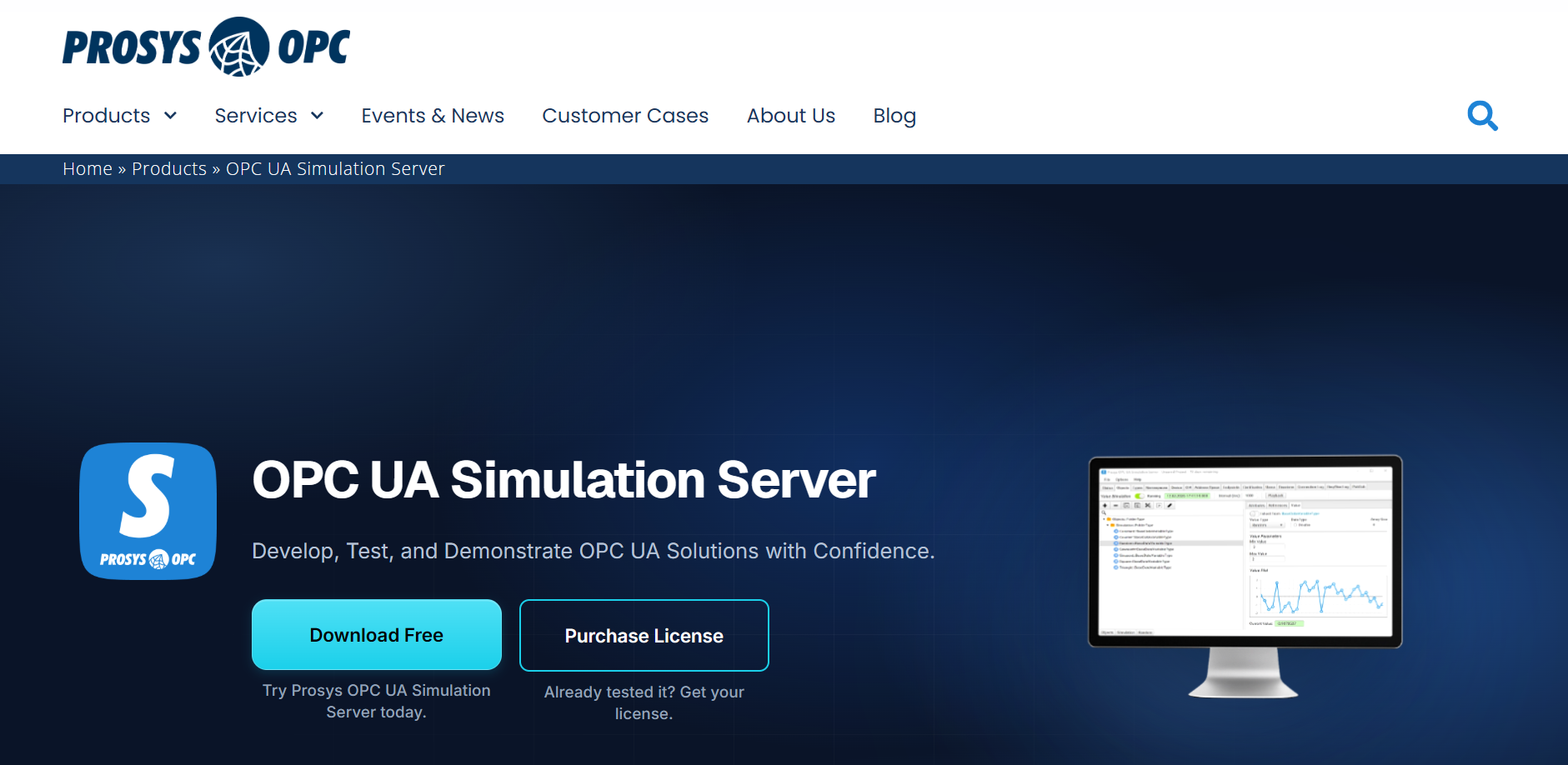
Prosys OPC UA Simulation Server lets you test OPC UA clients with simulated data before connecting to physical equipment. It supports development and demonstrations for SCADA, MES and IIoT applications.
Key Takeaways
- Use the Free Edition to learn OPC UA and test basic client connections.
- Choose Professional for custom model imports, recorded-data playback or headless tests.
- Complete commissioning tests with the production equipment and network.
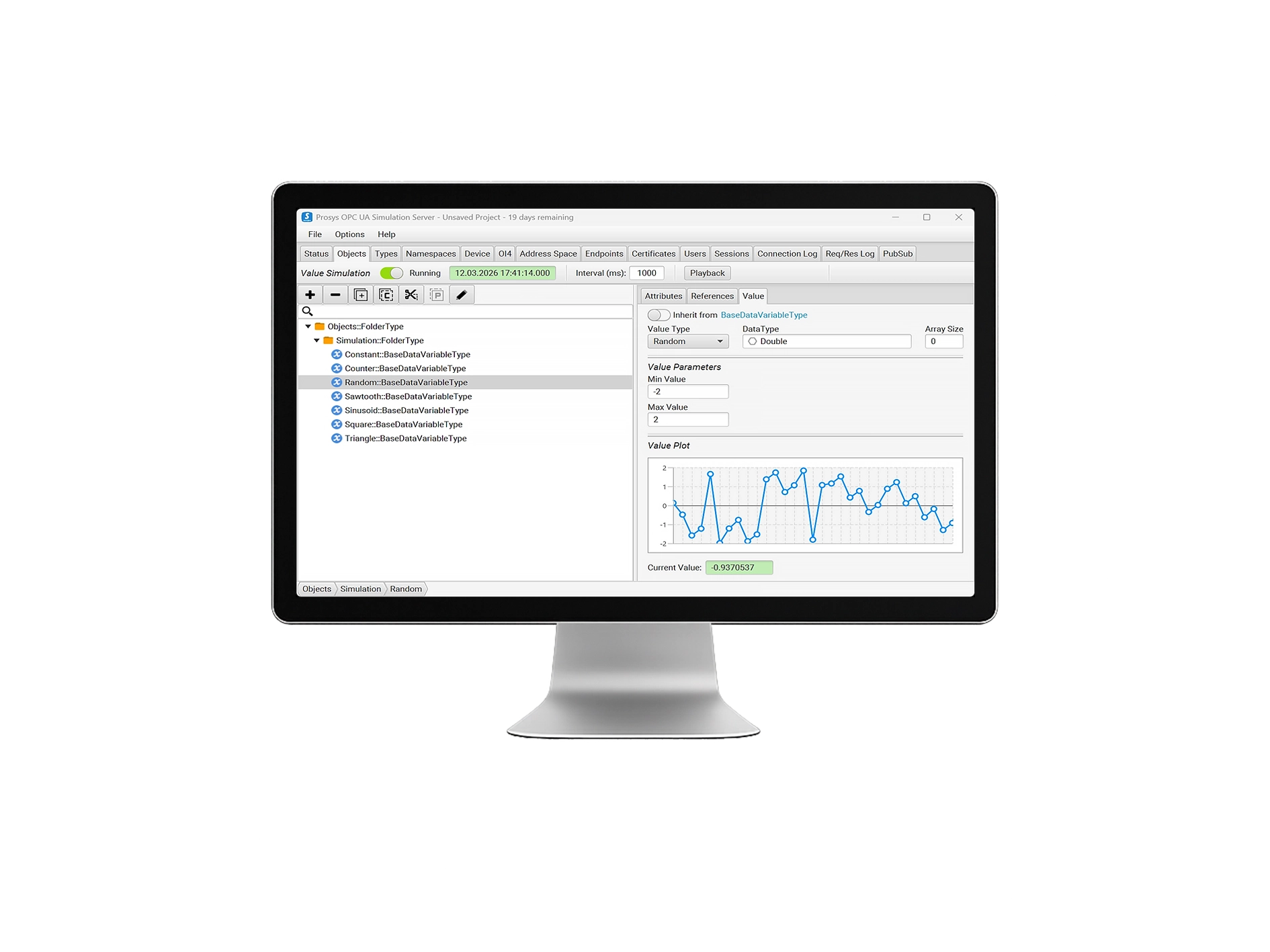
What Prosys OPC UA Simulation Server helps you test
Source: Prosys OPC Official Website
(https://prosysopc.com/products/opc-ua-simulation-server/)
(https://prosysopc.com/products/opc-ua-simulation-server/)
Client development before equipment is available
Import an information model and create simulated instances to test how a client handles the proposed address space. This lets development continue while the equipment is unavailable. Build the model around the intended machine interface so the test uses the structure the client will encounter.
Source: Prosys OPC, Build and simulate OPC UA Data Models
Replaying recorded data
Record values with OPC UA Browser Professional, export the source address space and load the model and CSV logs into Simulation Server Professional. You can then repeat the sequence while investigating a display or data-processing issue. Playback controls include pause, speed adjustment and breakpoints.
Source: Prosys OPC, Playback Real Data in Prosys OPC UA Simulation Server
Automated regression tests
Version 2026.2.0 supports headless operation and Docker deployment with a Professional or Evaluation licence. Prepare a Project in the desktop application, then run it on a test host or build agent. Tests can control playback and value simulation over OPC UA to check client behaviour after a software change.
Source: Prosys OPC, Run Prosys OPC UA Simulation Server Headless and in Docker
When to use Prosys OPC UA Simulation Server
For teams in India, suggested uses include customer demonstrations before site access, data-connector development and hands-on OPC UA training. For live machine-data collection, compare production OPC servers against your controllers, protocols and support requirements.
Prosys OPC UA Simulation Server specifications
| Product Type | Stand-alone OPC UA simulation server for development, testing and demonstrations |
|---|---|
| Desktop Platforms | Windows, Linux and macOS |
| OPC UA Versions | 1.05 and earlier |
| Client-Server Transport | UA TCP with OPC UA Binary. UA HTTPS support was removed in version 2026.2.0. |
| PubSub Transports | MQTT with UADP or JSON; UDP with UADP |
| Current Release at Review | 2026.2.0, released on 7 September 2026 |
Connection targets and functions
Compatible OPC UA clients, including SCADA connectors and development tools, can access data changes, data history, events and event history. For PubSub tests, Simulation Server publishes messages to subscribers through the configured MQTT broker or UDP network.
Professional also supports simulated Methods with input and output arguments and SET and WAIT actions. These let you test method calls against configured responses.
Free vs Professional: features and licensing
| Requirement | Free Edition | Professional Edition |
|---|---|---|
| Create Objects and Variables Using Standard Types | Yes | Yes |
| Import Custom NodeSet Models | No | Yes |
| Replay Recorded Data | No | Yes |
| Run Headless or in the Official Container | No | Yes |
| PubSub Scale | One publisher; one Variable DataSet and one Event DataSet | Multiple publishers; unlimited DataSets |
| Support Channels | Forum | Forum and email |
The Simulation Server & Browser Professional Bundle offers subscription and perpetual licence options. Single-computer keys are tied to the hostname; confirm licensing for each developer workstation and automated test host.
Pricing is by enquiry. For procurement in India, request a quotation with the billing currency, applicable taxes and support arrangements.
Prosys OPC UA Simulation Server case study
TU Delft: connecting a power-system research environment
The challenge
TU Delft's Intelligent Electrical Power Grids research group needed a cross-platform connection between the power-grid and communication layers in its Control Room of the Future. The test environment combines a simulated power system, emulated communication networks and a SCADA/HMI interface.
How the team used Simulation Server
Simulation Server connected the simulated system to the emulated network, supporting research into resilience against cyber-attacks and major disturbances. The researcher also highlighted the ability to import custom XML NodeSets.
Source: Prosys OPC, IEPG: The Control Room of the Future
Download and evaluation
Get the software through the official download request page. To try Professional features, request a time-limited Evaluation licence and confirm its duration with Prosys. The application reverts to the Free licence when the evaluation expires.
How to connect an OPC UA client
- Start Simulation Server and confirm that Status shows Running.
- Copy the Connection Address from Status into the client, typically
opc.tcp://<hostname>:53530/OPCUA/SimulationServer. Use your installation's address. - Select a security policy and mode supported by both applications. Supply user credentials if required.
- For a secure connection, establish certificate trust on both sides. In Simulation Server, use Expert Mode to access Certificates, verify the client's certificate and select Trust.
- Browse the address space and monitor a changing variable.
If connection fails, check the hostname and port, then certificate trust and user authentication. Inspect Sessions and Connection Log for connection activity, and keep the two computers' clocks synchronised.
Sources: Prosys OPC 2026.2.0 user manual and secure connection tutorial
Prosys OPC UA Simulation Server FAQ
Is this the same as Prosys OPC Classic Simulation Server?
They are separate products. Choose OPC UA Simulation Server for OPC UA tests. Prosys OPC Classic Simulation Server supports OPC DA 1.0A and 2.05 for clients that require OPC DA.
Source: Prosys OPC, OPC Classic Simulation Server
Does a successful simulation test complete commissioning?
No. It checks the configured model and data. Validate the production server's address space, access rules and update behaviour with the equipment and network before accepting the connection.
Manufacturer information
Prosys OPC Ltd is a Finnish company founded in 1995. Its products and services focus on OPC technology and industrial interoperability.
| Company Name | Prosys OPC Ltd |
|---|---|
| Headquarters Address | Tekniikantie 14, 02150 Espoo, Finland |
| Official Website | https://prosysopc.com/ |
Source: Prosys OPC, About Us and official contact information
[Advertisement]
OPC Server Products
by Site Requirement
OPC Server Products
by Site Requirement
Advertiser Disclosure:
We receive compensation from some of the companies listed below.This compensation may affect which companies are included and the order in which they appear.
Data Utilization and
Scalable Integration Platform
Scalable Integration Platform
* MQTT and HTTP functions are available in the Professional Edition.
Source: TAKEBISHI CORPORATION official website https://www.faweb.net/en/product/opc , https://www.faweb.net/en/product/opc/v7release
Source: TAKEBISHI CORPORATION official website https://www.faweb.net/en/product/opc , https://www.faweb.net/en/product/opc/v7release
DeviceXPlorer OPC ServerTAKEBISHI CORPORATION
Add or Change Equipment Without Stopping Operation
Communication parameters can be changed dynamically while the server keeps running, so adding a device or revising a setting does not interrupt data collection. Drivers cover 400+ device series from 100+ manufacturers, including Siemens, Rockwell Automation, Mitsubishi Electric and Omron, so most equipment changes are handled as a setting change rather than a rebuild.
One Standard Interface for Upper Systems Across Sites
Every site publishes data through OPC UA, or sends it to AWS, Azure and other cloud services over MQTT or HTTP*, so upper systems see the same interface wherever the data originates. A cloud-side OPC UA client can initiate the connection, so no inbound ports need to be opened at the site. Calculation, conditional branching and recipe handling are configured on the server itself at no additional cost, keeping that work off the SCADA or MES side.
Large-Scale Monitoring
Across Multiple Sites
Across Multiple Sites

Source: PTC official website
https://www.ptc.com/en/products/kepware/kepware-server
https://www.ptc.com/en/products/kepware/kepware-server
Kepware ServerVelotic (Kepware, formerly a PTC business)
Designed for Multi-Site Expansion
Packaged licensing* for large-scale standardization reduces the need to procure licenses when adding new sites or manage updates site by site. This supports scaling while maintaining the management framework.
Remote Management
and Configuration
and Configuration
With add-on options, OPC servers running at different sites can be centrally managed from the main site.
Audit Readiness for Plant Operations

Source: Honeywell official website
https://www.matrikonopc.com/index.aspx
https://www.matrikonopc.com/index.aspx
MatrikonOPC ServerHoneywell
Integrate Field Data
into the Monitoring Network
into the Monitoring Network
Collects oil and gas drilling data via OPC. Secure transmission across firewalls and redundancy help maintain an audit-ready data foundation over time.
Quickly Check Who Did What,
and When
and When
All servers include diagnostic logging with log-level settings and filtering. The logs can also serve as a foundation for audit trails.
*Purchasing Site & Enterprise licenses requires an inquiry to
Velotic.