
OPC NEXUS│An OPC Server Comparison Guide for Manufacturing SIs » OPC Server Vendors for Industrial Automation » Schneider Electric / EcoStruxure OPC UA Server Expert
Schneider Electric / EcoStruxure OPC UA Server Expert
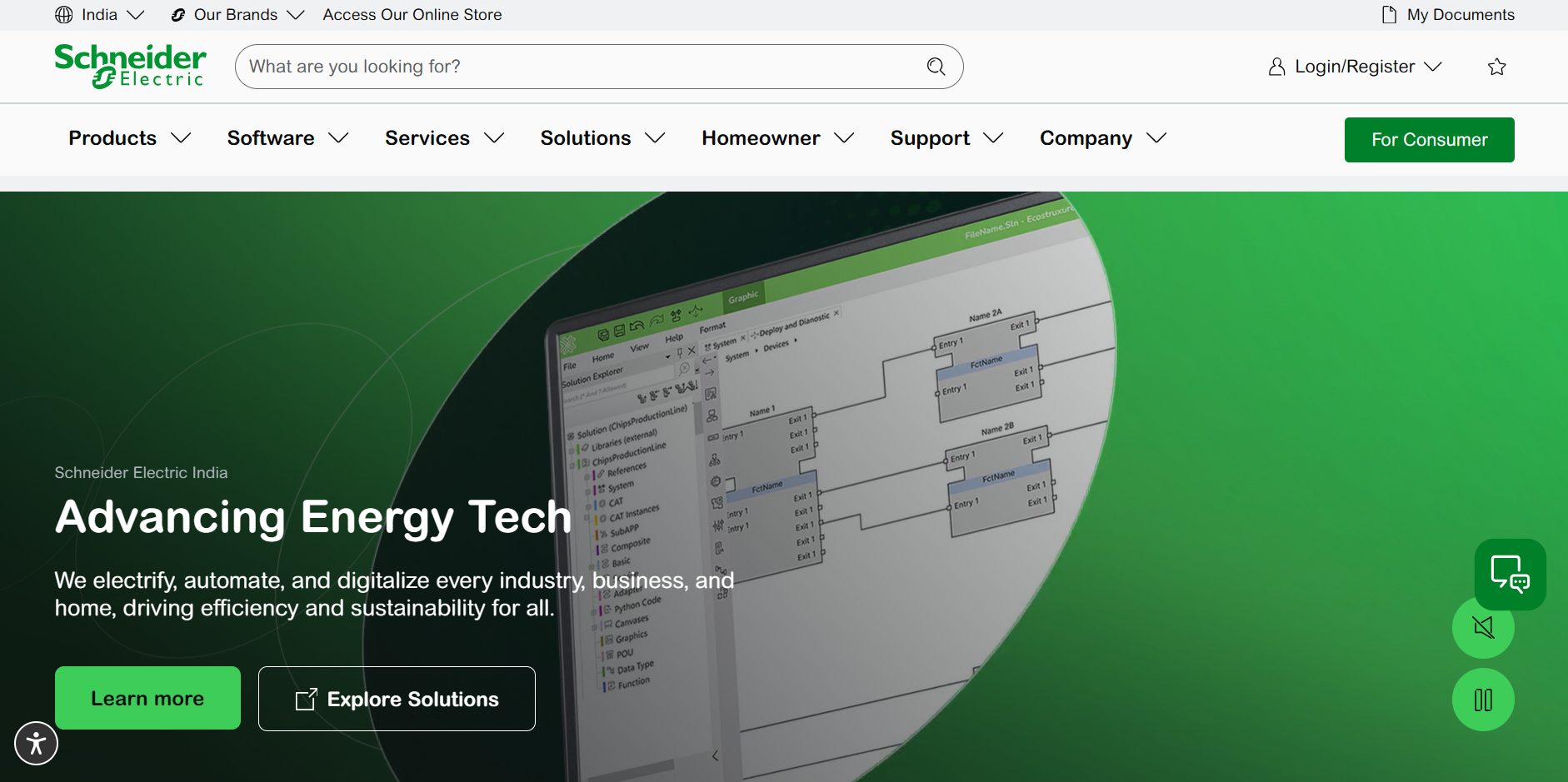
Source: Schneider Official website
(https://www.se.com/in/en/)
(https://www.se.com/in/en/)
EcoStruxure OPC UA Server Expert is Schneider Electric's Windows software for connecting industrial devices and Modicon PLCs to OPC UA clients. It provides a communication interface for applications that need access to equipment data.
For an Indian plant adding data collection to existing automation, the first checks are the controller model, communication path and receiving application's OPC UA support. These determine whether the proposed connection can work before licensing and installation are considered.
Key Takeaways
- Start with the compatibility table when assessing an existing Modicon or Modbus installation.
- Plan the PLC connection and the OPC UA client connection as separate parts of the configuration.
- Check the requirements for the software release you intend to install.
- Use the demo to test your actual variables, client application and recovery requirements.
Challenges EcoStruxure OPC UA Server Expert Can Help Solve
Connecting Modicon and Modbus Devices to OPC UA Clients
The server connects supported Modicon controllers and Modbus/TCP devices to applications using OPC UA. Schneider Electric describes a many-to-many architecture, allowing multiple devices and clients to participate in the system.
This gives the receiving application a common interface for equipment data. For a project involving several machines, map each source to the data the client actually needs before expanding the installation.
Keeping PLC Symbols Available as Applications Change
Symbolic access covers located and unlocated variables, including simple and structured data. The product also provides online symbol discovery and update functions, which matter when the PLC application changes after commissioning.
Update behaviour depends on the symbol source and configuration. Validate application changes during evaluation rather than assuming every change preserves communication.
Managing Certificate-Based Client Connections
Certificate-based authentication and encryption are documented product features. Include the client's security requirements in the connection design, alongside the data requirements.
Assign responsibility for certificate approval, replacement and expiry checks before handover. A successful first connection should be followed by a documented maintenance procedure.
Source: Schneider Electric
(https://www.se.com/us/en/product-range/66388-ecostruxure-opc-ua-server-expert/)
(https://www.se.com/us/en/product-range/66388-ecostruxure-opc-ua-server-expert/)
Where Is EcoStruxure OPC UA Server Expert a Good Fit?
Include this product in an evaluation when existing Modicon or Modbus equipment must supply data to an OPC UA application. Build the evaluation around one representative controller and the intended receiving system, then test the remaining equipment types before rollout.
For sites with equipment from several manufacturers, prepare a model-by-model connection list. Compare protocol coverage, engineering work and operating requirements across candidate servers.
Key Specifications and Compatibility

Source: Schneider Electric, EcoStruxure OPC UA Server Expert
(https://www.se.com/in/en/product-range/66388-ecostruxure-opc-ua-server-expert/)
(https://www.se.com/in/en/product-range/66388-ecostruxure-opc-ua-server-expert/)
| Controller families and devices | M340, M580, MC80, Momentum, Quantum, Premium and Modbus devices, subject to platform requirements. |
|---|---|
| Device-side communications | Modbus TCP/IP, USB, Modbus serial and XIP; availability varies by platform. |
| Client-side transport | UA-TCP / UA-SC / UA-Binary. |
| Windows requirements for V2.01 SP3 | Windows 10, Windows 11, Windows Server 2019 and Windows Server 2022. |
| Operating modes | Standalone application or Windows service. |
| Safety-related symbols | Read-only access to Modicon M580 Safety symbols. |
Quantum and Premium systems outside Unity Pro or EcoStruxure Control Expert are unsupported from version 2.0 onward. Check the manual's platform matrix against the installed controller and communication module.
Controller-link redundancy requires the documented standalone Modbus TCP/IP architecture. Server redundancy uses non-transparent warm failover and requires matching client configuration. Review these separately when designing recovery.
Source: Schneider Electric
(https://www.se.com/us/en/download/document/MFR53158/)
(https://www.se.com/us/en/product-range/66388-ecostruxure-opc-ua-server-expert/)
(https://www.se.com/us/en/download/document/MFR53158/)
(https://www.se.com/us/en/product-range/66388-ecostruxure-opc-ua-server-expert/)
Licensing and Purchasing in India
Schneider Electric lists three station-based license options:
| License | Listed station count | Product reference |
|---|---|---|
| Single | 1 station | OFSUASCZZSPAZZ |
| Team | 10 stations | OFSUASCZZTPAZZ |
| Entity | 100 stations | OFSUASCZZEPAZZ |
These are license station counts. Confirm device and client capacity separately. When requesting an Indian quotation, specify the deployment PCs, planned backup servers and support needs, and ask which license terms cover that arrangement.
Use Schneider Electric India's sales or reseller channels to confirm local availability and pricing for the selected product reference.
Source: Schneider Electric India, Single license
(https://www.se.com/in/en/product/OFSUASCZZSPAZZ/
(https://www.se.com/in/en/product/OFSUASCZZSPAZZ/
Connection Example: Modicon PLCs and CitectSCADA
Schneider Electric publishes a connection tutorial covering EcoStruxure OPC UA Server Expert, Modicon M340, M580 and Momentum PLCs, and CitectSCADA. It demonstrates the integration route from controller data, through the OPC UA server, to the SCADA application.
The documented environment uses EcoStruxure Control Expert v14.0, OPC UA Server Expert v2.0 and CitectSCADA 2018 R2. Treat it as a configuration reference and check the instructions against your installed versions.
Source: Schneider Electric India, How to Enable OPC UA Communication Between Modicon PLCs and CitectSCADA
(https://www.se.com/in/en/faqs/FA411748/). This is a configuration tutorial for the versions listed above.
(https://www.se.com/in/en/faqs/FA411748/). This is a configuration tutorial for the versions listed above.
Download and Demo Evaluation
The Indian download centre provides V2.01 SP3, released on 2 September 2025. The package listing includes the software ISO, release notes and an integrity verification procedure. Review the release notes before installation.
Schneider Electric's product page advertises a 72-hour demo mode. Check the evaluation conditions for the downloaded release before scheduling tests.
Use representative tags and the intended client application. Record update behaviour under normal load, restart recovery and response to a lost device connection. For a redundant design, add failover tests against the project's recovery requirements.
Source: Schneider Electric, V2.01 SP3 software download
(https://www.se.com/in/en/download/document/ES_OPCUA_Server_Exp_SV2_01_SP3/)
(https://www.se.com/in/en/download/document/ES_OPCUA_Server_Exp_SV2_01_SP3/)
Basic Setup and Connection Checks
- Create a device alias and configure its communication address.
- Select the appropriate symbol source.
- Configure security and certificate trust.
- Save the configuration and restart the server.
- Connect the Sample Client; browse and verify values.
Alias and server configuration changes require a restart. Plan these changes separately from online PLC symbol updates.
To run as a Windows service, open the configuration tool, select Settings > Options, enable Service mode and save the configuration. Schneider Electric's Service Notifier displays the service status through a taskbar icon.
Source: Schneider Electric, EcoStruxure OPC UA Server Expert User Guide
(https://www.se.com/us/en/download/document/MFR53158/)
(https://www.se.com/us/en/download/document/MFR53158/)
Manufacturer Information
| Company | Schneider Electric |
|---|---|
| Product | EcoStruxure OPC UA Server Expert |
| India product website | https://www.se.com/in/en/product-range/66388-ecostruxure-opc-ua-server-expert/ |
| Sales and technical enquiries | Use Contact Sales, Where to Buy or the support options on the Schneider Electric India website. |
Source: Schneider Electric India, EcoStruxure OPC UA Server Expert
(https://www.se.com/in/en/product-range/66388-ecostruxure-opc-ua-server-expert/)
(https://www.se.com/in/en/product-range/66388-ecostruxure-opc-ua-server-expert/)
[Advertisement]
OPC Server Products
by Site Requirement
OPC Server Products
by Site Requirement
Advertiser Disclosure:
We receive compensation from some of the companies listed below.This compensation may affect which companies are included and the order in which they appear.
Data Utilization and
Scalable Integration Platform
Scalable Integration Platform

* MQTT and HTTP functions are available in the Professional Edition.
Source: TAKEBISHI CORPORATION official website https://www.faweb.net/en/product/opc , https://www.faweb.net/en/product/opc/v7release
Source: TAKEBISHI CORPORATION official website https://www.faweb.net/en/product/opc , https://www.faweb.net/en/product/opc/v7release
DeviceXPlorer OPC ServerTAKEBISHI CORPORATION
Add or Change Equipment Without Stopping Operation
Communication parameters can be changed dynamically while the server keeps running, so adding a device or revising a setting does not interrupt data collection. Drivers cover 400+ device series from 100+ manufacturers, including Siemens, Rockwell Automation, Mitsubishi Electric and Omron, so most equipment changes are handled as a setting change rather than a rebuild.
One Standard Interface for Upper Systems Across Sites
Every site publishes data through OPC UA, or sends it to AWS, Azure and other cloud services over MQTT or HTTP*, so upper systems see the same interface wherever the data originates. A cloud-side OPC UA client can initiate the connection, so no inbound ports need to be opened at the site. Calculation, conditional branching and recipe handling are configured on the server itself at no additional cost, keeping that work off the SCADA or MES side.
Large-Scale Monitoring
Across Multiple Sites
Across Multiple Sites

Source: PTC official website
https://www.ptc.com/en/products/kepware/kepware-server
https://www.ptc.com/en/products/kepware/kepware-server
Kepware ServerVelotic (Kepware, formerly a PTC business)
Designed for Multi-Site Expansion
Packaged licensing* for large-scale standardization reduces the need to procure licenses when adding new sites or manage updates site by site. This supports scaling while maintaining the management framework.
Remote Management
and Configuration
and Configuration
With add-on options, OPC servers running at different sites can be centrally managed from the main site.
Audit Readiness for Plant Operations
Source: Honeywell official website
https://www.matrikonopc.com/index.aspx
https://www.matrikonopc.com/index.aspx
MatrikonOPC ServerHoneywell
Integrate Field Data
into the Monitoring Network
into the Monitoring Network
Collects oil and gas drilling data via OPC. Secure transmission across firewalls and redundancy help maintain an audit-ready data foundation over time.
Quickly Check Who Did What,
and When
and When
All servers include diagnostic logging with log-level settings and filtering. The logs can also serve as a foundation for audit trails.
*Purchasing Site & Enterprise licenses requires an inquiry to
Velotic.