
OPC NEXUS│An OPC Server Comparison Guide for Manufacturing SIs » OPC Server Vendors for Industrial Automation » Integration Objects / OPC UA Universal Server
Integration Objects / OPC UA Universal Server
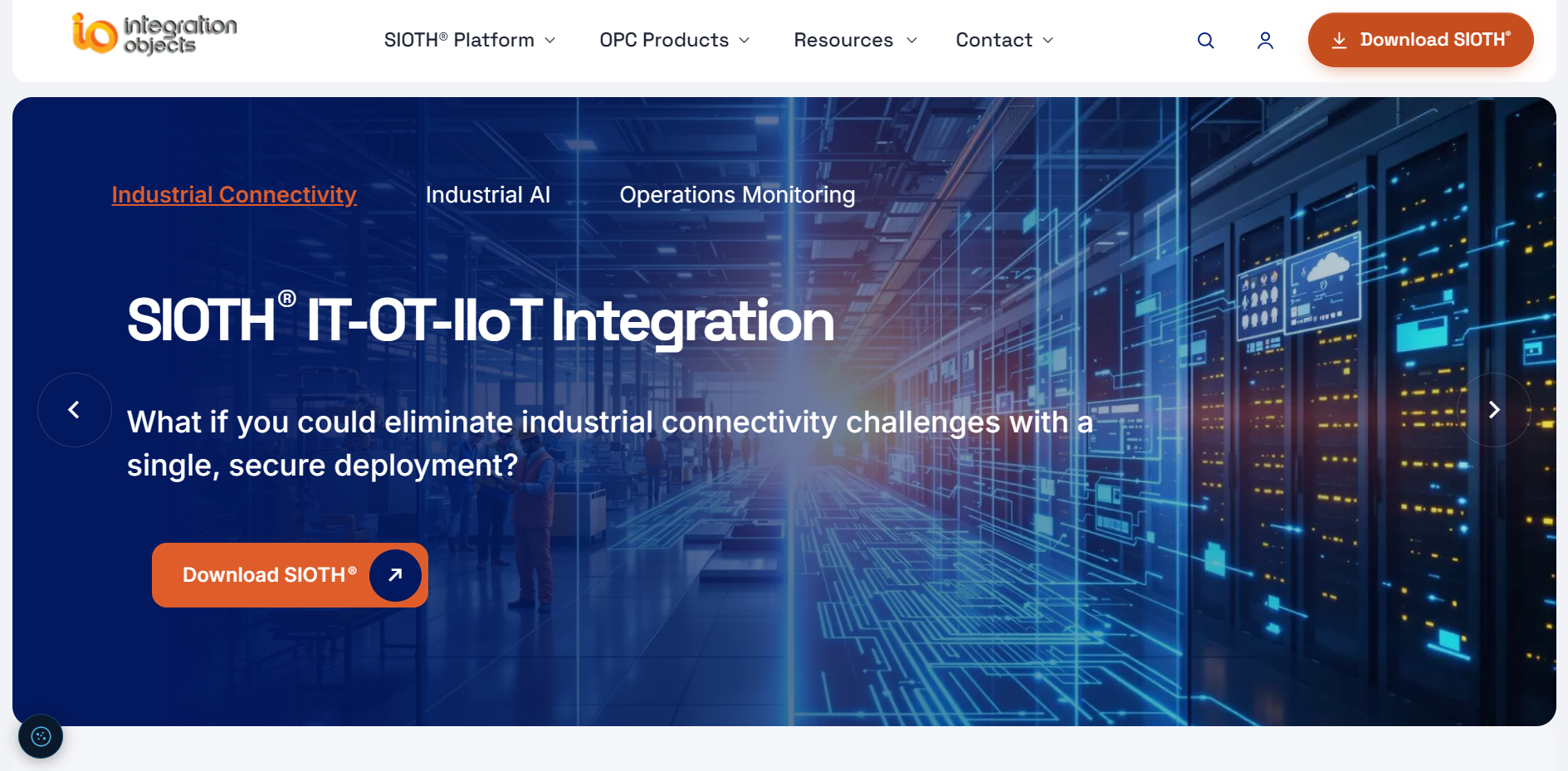
Source: Integration Objects Official website
( https://integrationobjects.com/)
( https://integrationobjects.com/)
OPC UA Universal Server from Integration Objects collects data from industrial and IT systems and makes it available through a common OPC UA interface. Connections are configured in the SIOTH graphical environment. The server can also aggregate data from existing OPC UA servers.
For projects in India, product selection starts with the systems you need to connect: which interfaces they use, how their data is structured and what the receiving application needs to do with it.
What to check before choosing
- Whether your data sources need a shared OPC UA interface.
- Which connectors each source requires and whether they support the intended direction of data transfer.
- Whether the project needs historical data, alarms or communication recovery in addition to current values.
- Whether Universal Server or a more focused Integration Objects OPC product fits the task.
What OPC UA Universal Server can help you do
Bring different data sources into one OPC UA interface
Industrial equipment, databases and business applications often use different interfaces. Universal Server collects and organises their data so OPC UA clients can access it through a common interface.
Connections are set up in the SIOTH graphical builder. Compatibility depends on the source protocol and the operations you need to perform.
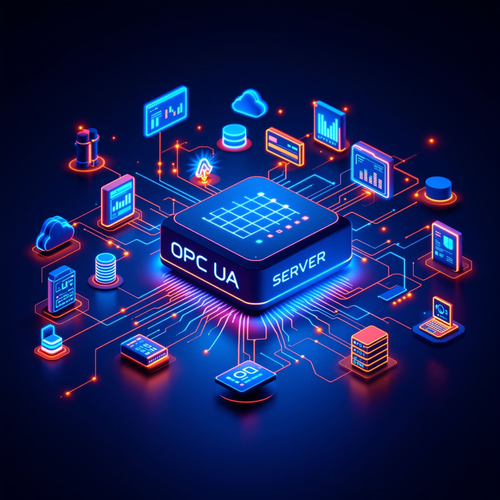
Source: Integration Objects, OPC UA Universal Server Architecture
(https://integrationobjects.com/sioth/opc-ua-universal-server)
(https://integrationobjects.com/sioth/opc-ua-universal-server)
Aggregate existing OPC UA servers
Universal Server can collect data from multiple OPC UA servers and expose it through a unified model. Existing servers stay in place while upper-level applications access their data through the aggregation layer.
Provide historical data and alarms
The product supports historical data and alarms alongside current values. Collected data can be archived in a database and made available through OPC UA Historical Access. Configured alarms can be published through OPC UA Alarms & Conditions.
Which projects is OPC UA Universal Server suited to?
Universal Server is an option for plants that need to combine controller data, existing OPC systems and operational databases under a shared interface. For an integration project in India, the key consideration is the mix of systems and data you need to connect.
If the project involves a single connection task, a more focused product may be enough. For example, connecting an existing Classic OPC server to a UA client has different requirements from combining equipment and database data. The related products listed below cover these more specific tasks.
OPC UA Universal Server specifications
| Supported interfaces | OPC UA output with industrial, IoT and database connectivity. Published examples include Modbus, OPC Classic, S7, DNP3, SNMP, MQTT, REST and SQL databases. Available connectors depend on the selected configuration. |
|---|---|
| Pricing and licensing | Contact Integration Objects for pricing, required components and licence terms. |
Data sources and connection targets
The published connectivity list includes OPC DA, HDA, AE and UA, along with Modbus, S7, Allen-Bradley, DNP3, BACnet and SNMP. IT and IoT interfaces include MQTT, AMQP and REST.
Listed databases and data stores include Microsoft SQL Server, MySQL, Oracle, PostgreSQL, MongoDB, InfluxDB and ODBC. Check support for the specific software versions and device models used in your project.
Data models, security and communication recovery
The server organises collected data in a central namespace. Define the names and structure that client applications will use, including how to distinguish equivalent values from different sources.
Integration Objects documents encryption, authentication and role-based access control, along with store-and-forward and automatic reconnection after communication interruptions. Test recovery under the outage conditions you expect, including how the system handles data accumulated during the interruption.
For installations spanning network zones, specify where the server will run and which connections are permitted. These network settings form part of the security design alongside the product's access controls.
Deployment and licensing requirements
The product page describes Windows-based industrial deployments on premises, in the cloud and in hybrid environments. Request the current system requirements before choosing an operating system and hardware.
To obtain a quotation, provide your source list, expected tag counts, update rates and required functions. Ask Integration Objects to specify the SIOTH components and connectors needed, how licences are counted, and the maintenance and support terms. Use that configuration for both evaluation and purchasing.
Other OPC products and their roles
Integration Objects also offers products for specific connection and data-handling tasks:
- OPC UA Wrapper exposes Classic OPC data to OPC UA clients.
- OPC UA Proxy connects Classic OPC clients to OPC UA servers.
- OPCNet Broker DA HDA AE provides OPC tunnelling across networks.
- OPC Easy Archiver stores OPC data in databases or CSV files.
- Individual OPC servers connect to sources such as Modbus, SNMP and databases.
These are separate products. When requesting a Universal Server quotation, clarify which are included and whether any require additional licences.
Source: Integration Objects, OPC Products
(https://integrationobjects.com/sioth-opc)
(https://integrationobjects.com/sioth-opc)
OPC UA Universal Server configuration example
The following example combines device measurements, database information and existing OPC server data for an OPC UA client. It illustrates the documented functions; it is not a reported customer installation.
Combine device, database and OPC server data
In this example, a device supplies measurements, a database holds related operational information and an OPC server provides production-line status. Each source connects through its corresponding interface, and the selected data is organised in the Universal Server namespace.
The client application browses that namespace and accesses the data. Evaluation should cover both the values received and how the client displays data quality, timestamps and connection failures.
Plan an integration project in India
Start by testing one representative data path from source to client. Record what each value means, where it comes from and how often it needs to update. Test the connection with the intended network permissions before adding more equipment or production areas.
Include historical data and alarms in the evaluation if the project requires them. A working connection for current values does not establish how these functions will behave in the client.
Is a free trial available?
The product page offers a free trial through the SIOTH download page, which requires login.
Check the trial period and enabled features before scheduling your evaluation. Test the required connectors with your client application, including what happens when a connection fails and is restored.
Sources: Integration Objects, OPC UA Universal Server
(https://integrationobjects.com/sioth/opc-ua-universal-server)
(https://integrationobjects.com/sioth/opc-ua-universal-server)
Manufacturer information
Integration Objects supplies the SIOTH integration platform and OPC connectivity products. Its contact form accepts pricing requests, technical questions and training enquiries.
| Company name | Integration Objects |
|---|---|
| Product | OPC UA Universal Server |
| Enquiries from India | Provide your project location and requirements when contacting the manufacturer about purchasing, implementation assistance and support. |
| Official website | https://integrationobjects.com/ |
Source: Integration Objects, Contact Us
(https://integrationobjects.com/contact). Information checked in October 2026.
(https://integrationobjects.com/contact). Information checked in October 2026.
[Advertisement]
OPC Server Products
by Site Requirement
OPC Server Products
by Site Requirement
Advertiser Disclosure:
We receive compensation from some of the companies listed below.This compensation may affect which companies are included and the order in which they appear.
Data Utilization and
Scalable Integration Platform
Scalable Integration Platform

* MQTT and HTTP functions are available in the Professional Edition.
Source: TAKEBISHI CORPORATION official website https://www.faweb.net/en/product/opc , https://www.faweb.net/en/product/opc/v7release
Source: TAKEBISHI CORPORATION official website https://www.faweb.net/en/product/opc , https://www.faweb.net/en/product/opc/v7release
DeviceXPlorer OPC ServerTAKEBISHI CORPORATION
Add or Change Equipment Without Stopping Operation
Communication parameters can be changed dynamically while the server keeps running, so adding a device or revising a setting does not interrupt data collection. Drivers cover 400+ device series from 100+ manufacturers, including Siemens, Rockwell Automation, Mitsubishi Electric and Omron, so most equipment changes are handled as a setting change rather than a rebuild.
One Standard Interface for Upper Systems Across Sites
Every site publishes data through OPC UA, or sends it to AWS, Azure and other cloud services over MQTT or HTTP*, so upper systems see the same interface wherever the data originates. A cloud-side OPC UA client can initiate the connection, so no inbound ports need to be opened at the site. Calculation, conditional branching and recipe handling are configured on the server itself at no additional cost, keeping that work off the SCADA or MES side.
Large-Scale Monitoring
Across Multiple Sites
Across Multiple Sites

Source: PTC official website
https://www.ptc.com/en/products/kepware/kepware-server
https://www.ptc.com/en/products/kepware/kepware-server
Kepware ServerVelotic (Kepware, formerly a PTC business)
Designed for Multi-Site Expansion
Packaged licensing* for large-scale standardization reduces the need to procure licenses when adding new sites or manage updates site by site. This supports scaling while maintaining the management framework.
Remote Management
and Configuration
and Configuration
With add-on options, OPC servers running at different sites can be centrally managed from the main site.
Audit Readiness for Plant Operations
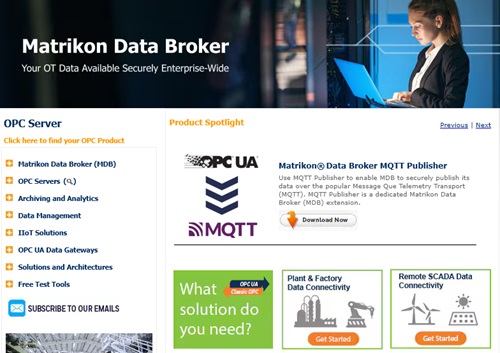
Source: Honeywell official website
https://www.matrikonopc.com/index.aspx
https://www.matrikonopc.com/index.aspx
MatrikonOPC ServerHoneywell
Integrate Field Data
into the Monitoring Network
into the Monitoring Network
Collects oil and gas drilling data via OPC. Secure transmission across firewalls and redundancy help maintain an audit-ready data foundation over time.
Quickly Check Who Did What,
and When
and When
All servers include diagnostic logging with log-level settings and filtering. The logs can also serve as a foundation for audit trails.
*Purchasing Site & Enterprise licenses requires an inquiry to
Velotic.